

Description
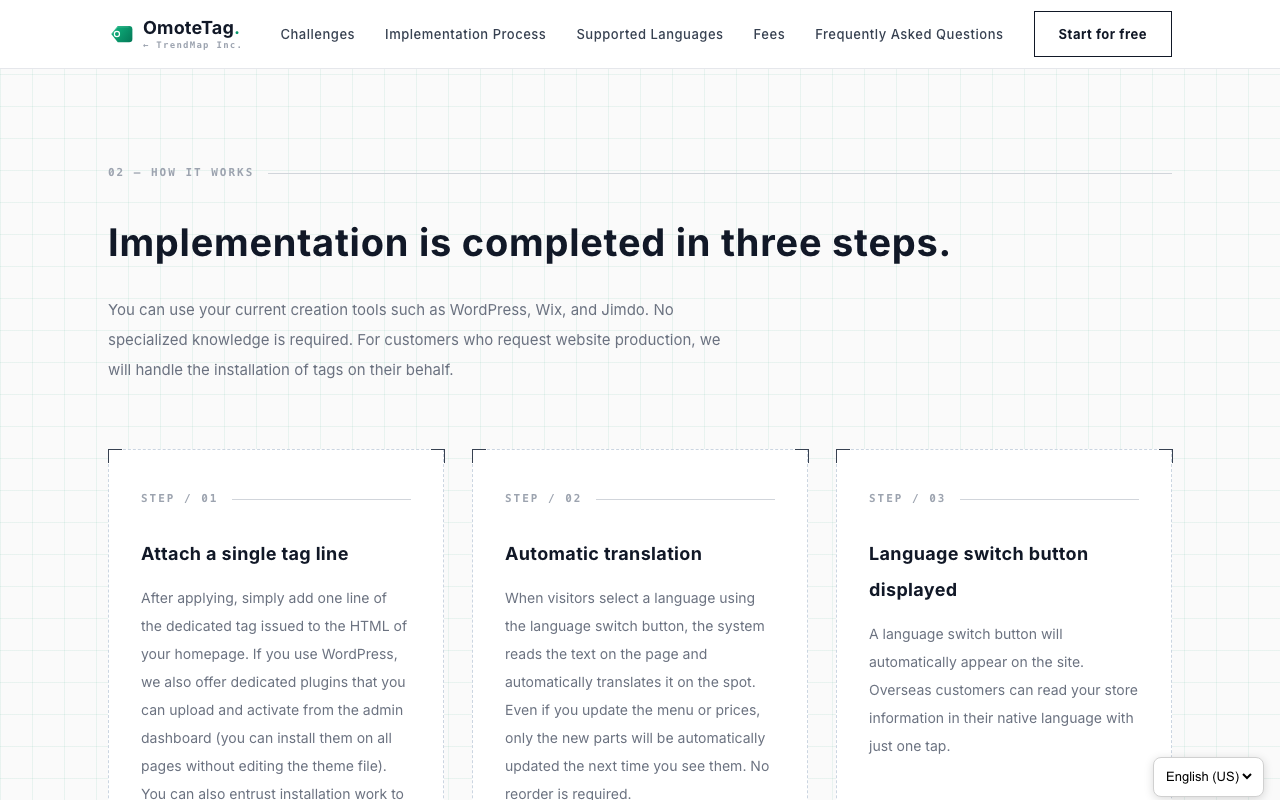
OmoteTag is a hosted service that makes a website multilingual: it adds a language switcher menu and machine translation. This plugin loads that widget on every page of your WordPress site.
You do not need to edit any theme file such as footer.php. The widget is loaded in the footer of every page automatically, and it stays in place when your theme is updated.
Features
- Enter the site key from your OmoteTag dashboard, save, and you are done
- Applies to every page automatically, so there is no need to add anything page by page
- Unaffected by theme updates, because no theme file is modified
- Turn the widget on or off at any time with a single checkbox
- Your pages are not modified on the server. The widget translates the text in the visitor’s browser after the page has loaded, so the search ranking of your original-language pages is not affected
What this plugin does
This plugin enqueues one script: the OmoteTag widget. The plugin itself never exchanges data between servers.
The URL the widget is loaded from is a constant in the plugin, with no override path — no filter, no setting and no stored value can change it. The settings screen accepts one value, the site key, and only if it consists of 8 to 128 letters, digits, hyphens or underscores. Nothing else you can type into this plugin reaches the front end.
Use of an external service (important)
This plugin relies on an external service, OmoteTag, provided by TrendMap Inc., Japan. An OmoteTag account is required in order to use the plugin. A free plan is available.
When and what is sent
- Whenever a page of your site is displayed, the visitor’s browser loads the widget from
https://trendmap.jp/omotetag-app/static/widget.js. At that point the information that normally accompanies such a request (IP address, user agent, referring URL) reaches the OmoteTag servers. - Immediately after loading, the widget requests its configuration for your site (which languages are enabled, and how the switcher is displayed) from
https://trendmap.jp/omotetag-app/api/widget-config, with the site key as a query parameter. This happens on every page view, whether or not the visitor uses the language menu. - When a visitor selects a language other than the site’s original language from the switcher menu, the text shown on the current page, the selected language code and the site identifier (site_key) are sent from the visitor’s browser to the OmoteTag servers at
https://trendmap.jp/omotetag-app/api/. - The OmoteTag servers obtain a translation of the received text from Microsoft Azure AI Translator and return it to the visitor’s browser. Translated text is stored on the OmoteTag side so that later page views are faster.
Only the text that is visible on public pages is translated. Content entered into forms and login credentials are never sent.
What is stored in the visitor’s browser
When a visitor chooses a language, that choice is saved in the visitor’s own browser: in local storage, under a key derived from your site key, and in a cookie named st_lang that lasts one year. It is read on the next page so that the visitor stays in the language they chose. Nothing else is stored, and it is not used for tracking or advertising.
“Powered by OmoteTag” on the free plan
On the free plan, the widget displays a small “Powered by OmoteTag” label that links to https://trendmap.jp/. It is shown next to the language switcher on the front end of your site, and on the free plan it cannot be switched off. On all paid plans it is not displayed. This is part of the OmoteTag service rather than the plugin, and it is stated on our pricing page, but it is mentioned here so that you know before installing.
Terms of service and privacy policy
- OmoteTag terms of service: https://trendmap.jp/omotetag/terms.html
- OmoteTag privacy policy: https://trendmap.jp/omotetag/privacy.html
- Service overview and pricing: https://trendmap.jp/omotetag/
Microsoft Azure AI Translator is used as the translation engine. Please refer to the Microsoft website for its terms.
Screenshots
Installation
- Go to Plugins > Add New, search for “OmoteTag”, click Install Now, and activate it.
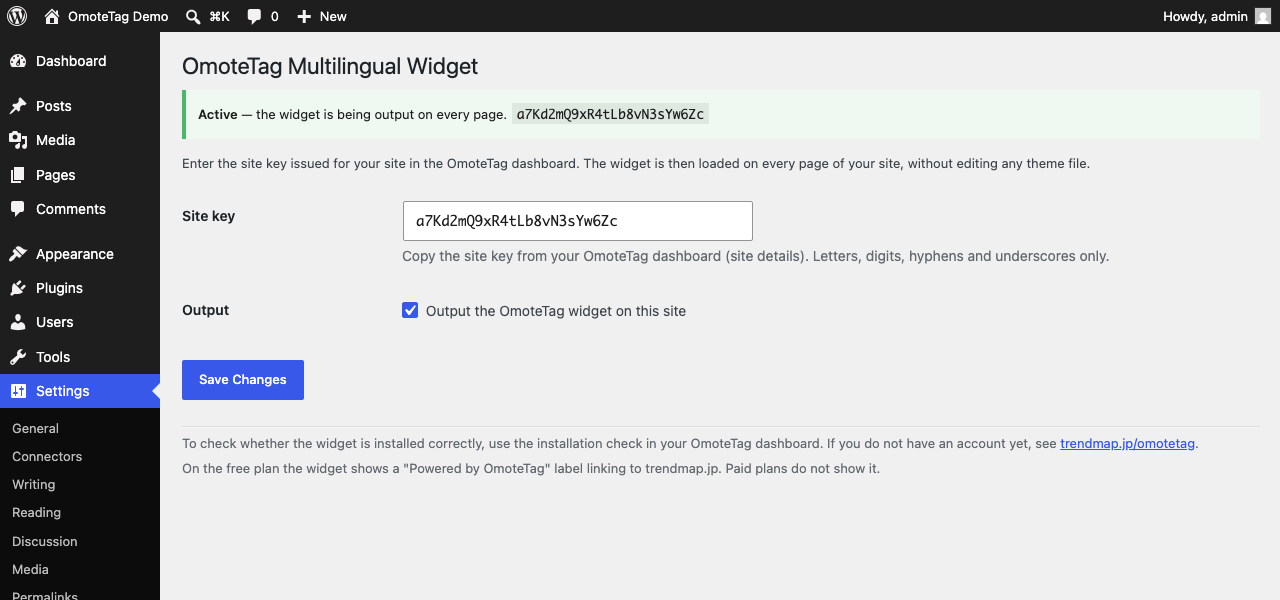
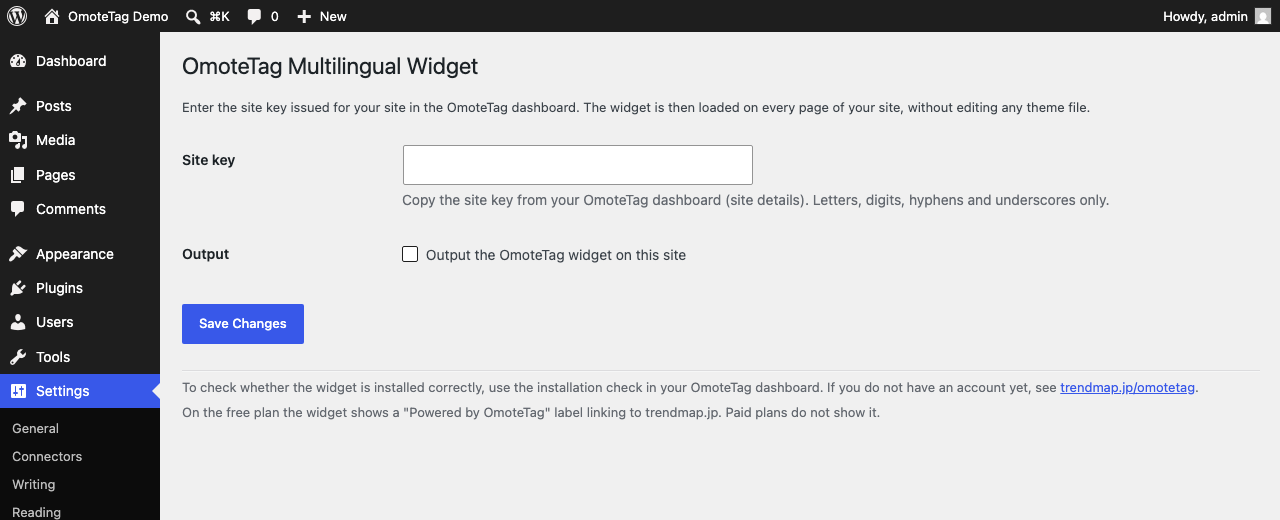
- Go to Settings > OmoteTag.
- In your OmoteTag dashboard (site details), copy the site key and enter it in the Site key field.
- Tick the “Output the OmoteTag widget on this site” checkbox and click Save. The widget is not output unless this box is ticked.
- If you are not sure whether the widget was installed correctly, you can verify it from the installation check in your OmoteTag dashboard.
FAQ
-
Do I need an OmoteTag account?
-
Yes. You need the site key issued for your OmoteTag account at https://trendmap.jp/omotetag/. A free plan is available.
-
What exactly do I enter in the settings screen?
-
The site key on its own — 8 to 128 letters, digits, hyphens or underscores. It is the value of
data-site-keyin the embed code shown in your OmoteTag dashboard. Anything else is rejected and your previous key is kept. -
Does the free plan add anything visible to my site?
-
Yes. On the free plan the widget shows a “Powered by OmoteTag” label linking to trendmap.jp, and it cannot be switched off on that plan. Paid plans do not show it. See the external service section above.
-
I saved the settings but nothing is output
-
Check that the checkbox under “Output” is ticked. It is off by default, so entering the site key alone does not output the widget. When your site key is saved but that box is off, Settings > OmoteTag shows a “Not being output yet” warning at the top of the page.
-
Can I show the widget on selected pages only?
-
No. This plugin is designed to output the widget on every page. If you want it on specific pages only, add the OmoteTag embed code to those pages directly instead of using this plugin.
-
Will the translated pages be indexed by search engines?
-
No. OmoteTag translates on the fly when a page is displayed, so the translated pages themselves are not indexed. The search ranking of your original-language pages is not affected.
-
What happens to my settings if I delete the plugin?
-
If you use Delete from the WordPress plugins screen, the settings saved by this plugin (the site key and the enabled/disabled state) are removed from the database, so you would need to enter the site key again after reinstalling. Deactivating the plugin does not remove them. Your OmoteTag account and the data held by the service are not deleted.
Reviews
There are no reviews for this plugin.
Contributors & Developers
“OmoteTag” is open source software. The following people have contributed to this plugin.
Contributors
Translate “OmoteTag” into your language.
Interested in development?
Browse the code, check out the SVN repository, or subscribe to the development log by RSS.
Changelog
1.0.4
- Translations are now delivered by translate.wordpress.org. The bundled translation files and the load_plugin_textdomain() call have been removed.
- Reworded the description of how translation is applied, to say more precisely that pages are not modified on the server.
1.0.3
- Housekeeping for distribution through the WordPress.org plugin directory. No change to how the plugin works.
1.0.2
- Added a Japanese translation. The settings screen follows the language set in Settings > General.
- Settings > OmoteTag now tells you whenever the widget is not reaching your site: the Output checkbox is off, no site key has been entered, or the stored site key is not in a valid format. Previously those states showed neither an error nor a confirmation.
- The “Active” confirmation is now shown only when the stored site key would actually be accepted, so it can no longer report that the widget is running when it is not.
1.0.1
- The settings screen now takes the site key on its own. The field that accepted a whole embed code has been removed.
- Removed the
omotetag_widget_srcfilter. The widget URL is now a constant with no override path. - Disclosed the “Powered by OmoteTag” label shown on the free plan.
- The setup notice is now shown on the plugins screen only, instead of on every admin page.
- Plugin header and translatable strings are now in English.
1.0.0
- Initial release.