
Description
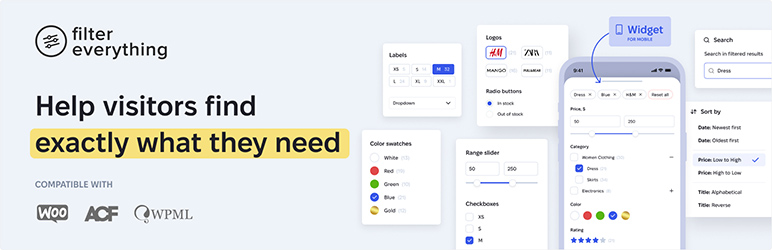
Improve your site’s navigation and drive more conversions with Filter Everything.
Filter Everything is a versatile filtering plugin that works with any content type — WooCommerce products, posts, listings, events, and more. It covers filtering completely — every filter type, every layout, and every option you may need, all in one plugin.
Watch a video walkthrough by WPTuts:
Filter everything and everywhere
Use it to filter WooCommerce products, posts, listings, events, and many more — on any page of your site and any device, whether desktop, tablet, or mobile.
See how it works
- See how it filters WooCommerce products, posts & any content
- See its SEO Capabilities (PRO version)
- See it work together with Elementor, ACF & WPML
- See Apply button mode, Step-by-step filtering, Built-in search & Horizontal layout in action
Configure every filtering detail
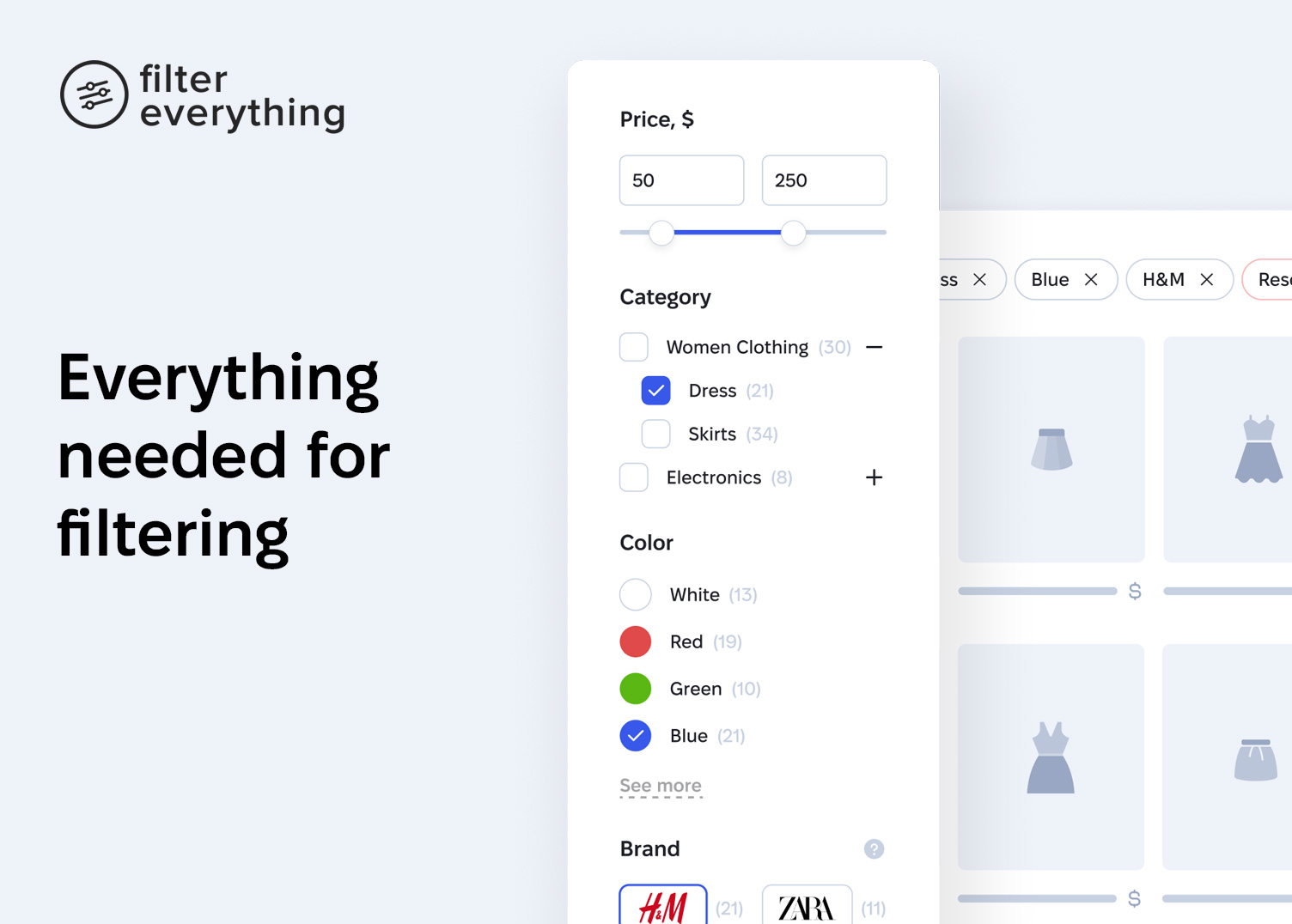
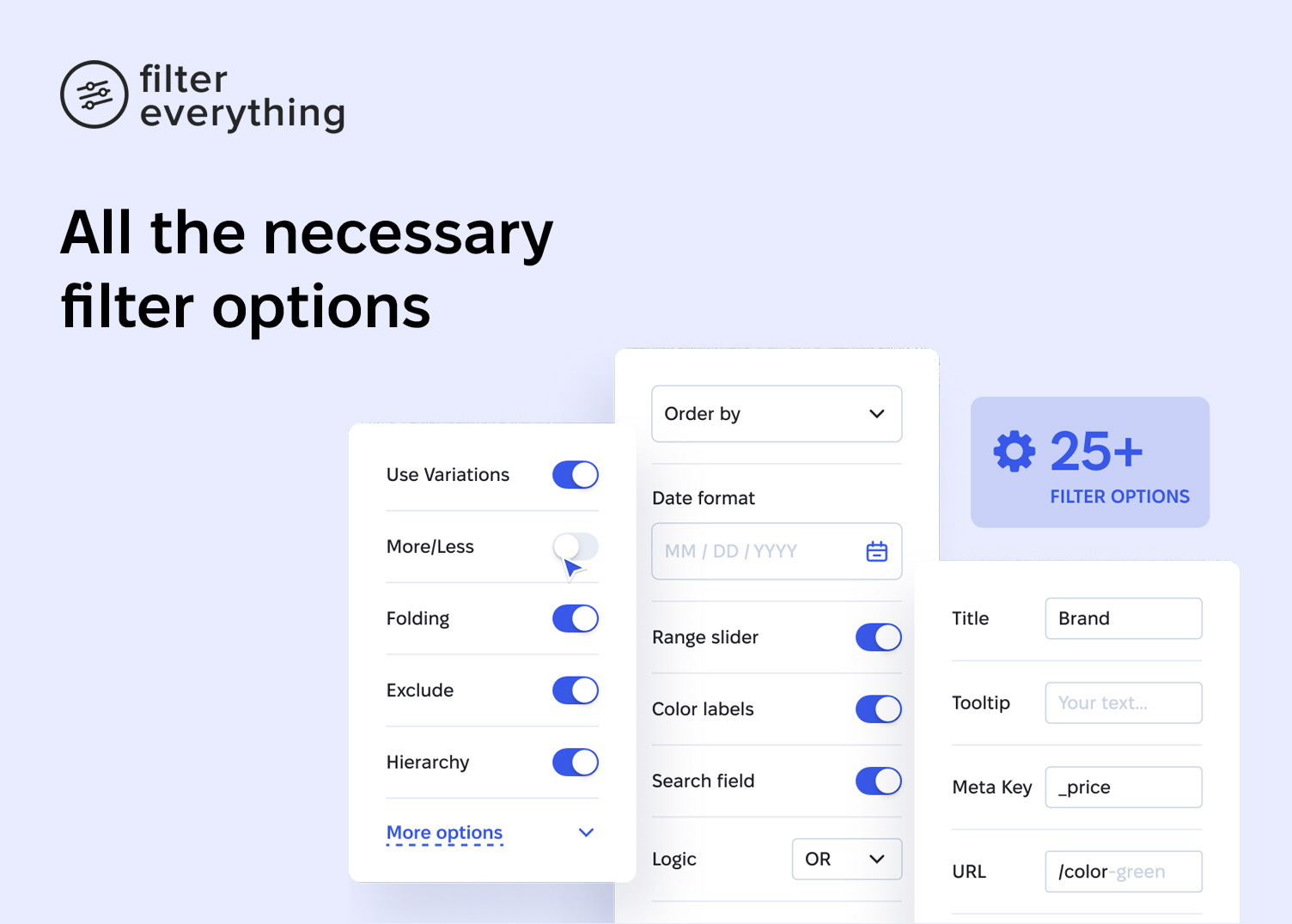
25+ filter options covering every need — display type, filter logic, counters, collapsing, custom URL names, hiding empty filters, and more.
Complete filtering toolkit
Use shortcodes, sort results, and search by text within filtered content. Turn on AJAX filtering with no page reloads. Pick the mode that fits your workflow — Step by step filtering, Select and apply, or Auto-submitting — and choose a horizontal or vertical layout.
Unlimited filtering criteria
Filter by virtually anything — price, brand, category, attributes, color, size, weight, and any other data in your content.
Compatible with other plugins and themes
Works with page builders like Elementor, Divi, Bricks, Oxygen, Breakdance, and Beaver Builder. Filters by custom fields created with ACF. Compatible with multilingual sites built on WPML and Polylang.
Works with your existing content
No need to rebuild your site. Just install, configure, and go. And if any questions come up, our support is fast and focused on actually helping.
Core features at a glance
- Filter any content
Works with WooCommerce products, posts, and any custom post types on your website. - All essential filtering options included
25+ built-in filtering options designed to cover virtually any filtering scenario. - Filter by virtually any criteria
Filter content by price, brand, category, attributes, color, size, weight, or any other criteria based on the data stored in taxonomies or custom fields. - Works on any page
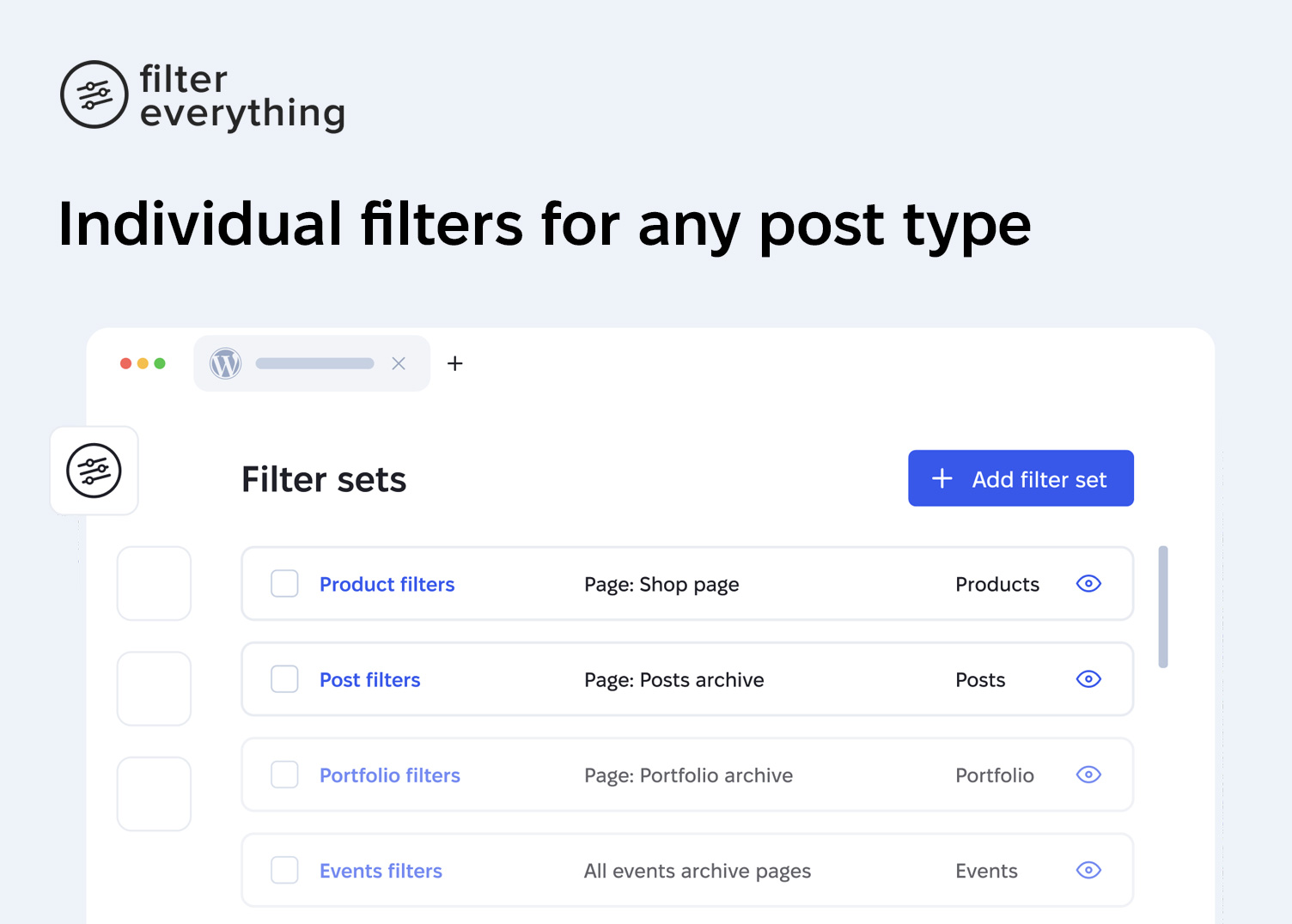
Each section of your website can have its own set of filters relevant to its content. - Widgets for page builders
Built-in Filters, Chips, and Sorting widgets for Gutenberg, Elementor, Divi, Breakdance, Beaver Builder, and other page builders. - Flexible filter layouts and display options
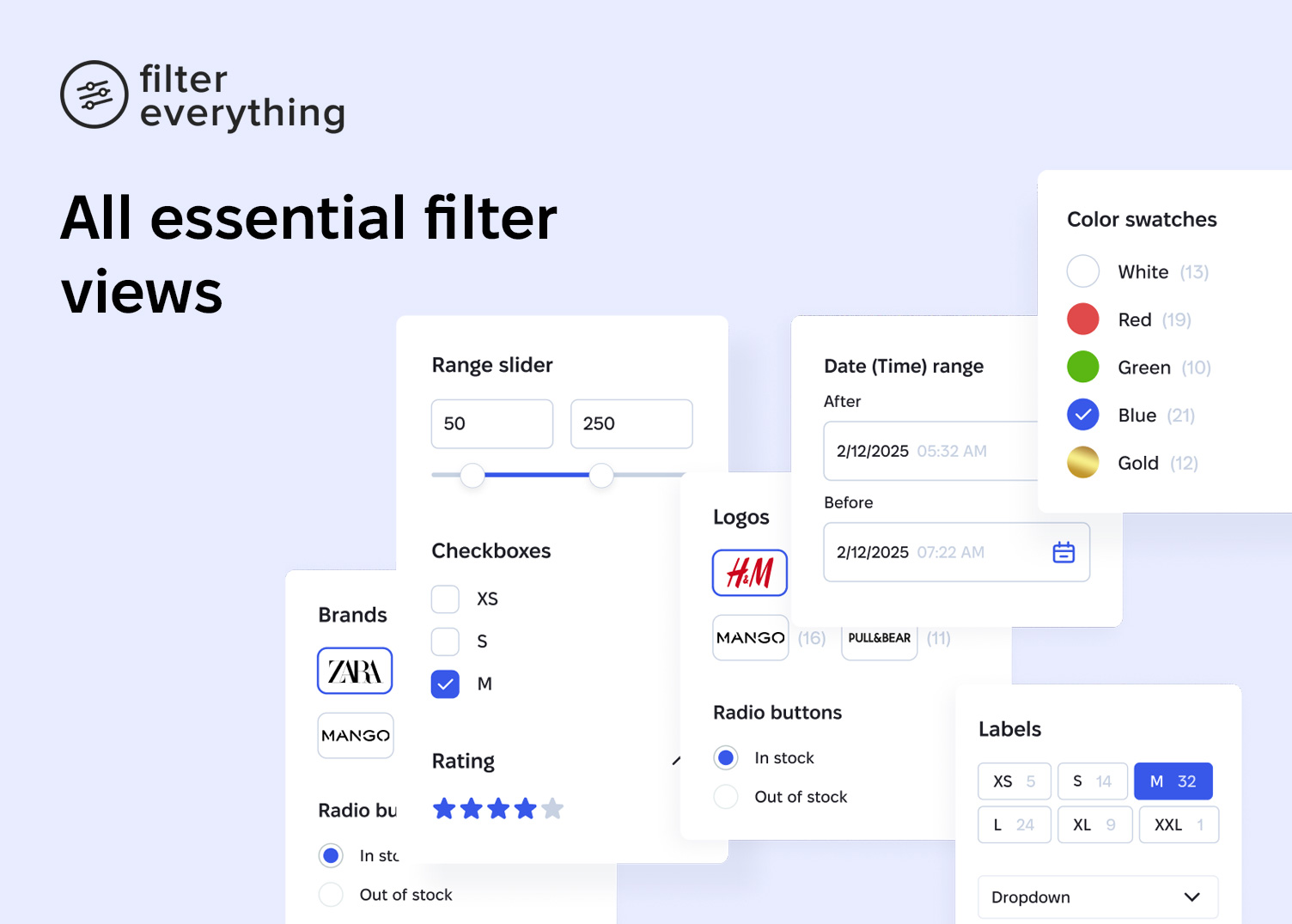
Use checkboxes, radio buttons, dropdowns, labels, color swatches, rating stars, numeric ranges, or date ranges, and display filters as horizontal toolbars or vertical panels. - Flexible filtering modes
Step-by-step filtering, auto-submission, or selecting multiple filters and applying them manually. - Sorting and keyword search
Allow visitors to sort and search within filtered results. - Developer-friendly and extensible
Customize and extend plugin behavior using WordPress actions and filters. - Mobile-friendly
Works out of the box on mobile devices.
— And many other built-in capabilities.
Filter Everything PRO
The plugin is also available in a PRO version that significantly expands filtering capabilities:
- Filter any content built with page builders, plugins, or custom WP_Query code
- ∞ Unlimited Filter Sets
- SEO tools that help bring additional organic traffic to your website
- Smart filtering for WooCommerce variable and out-of-stock products
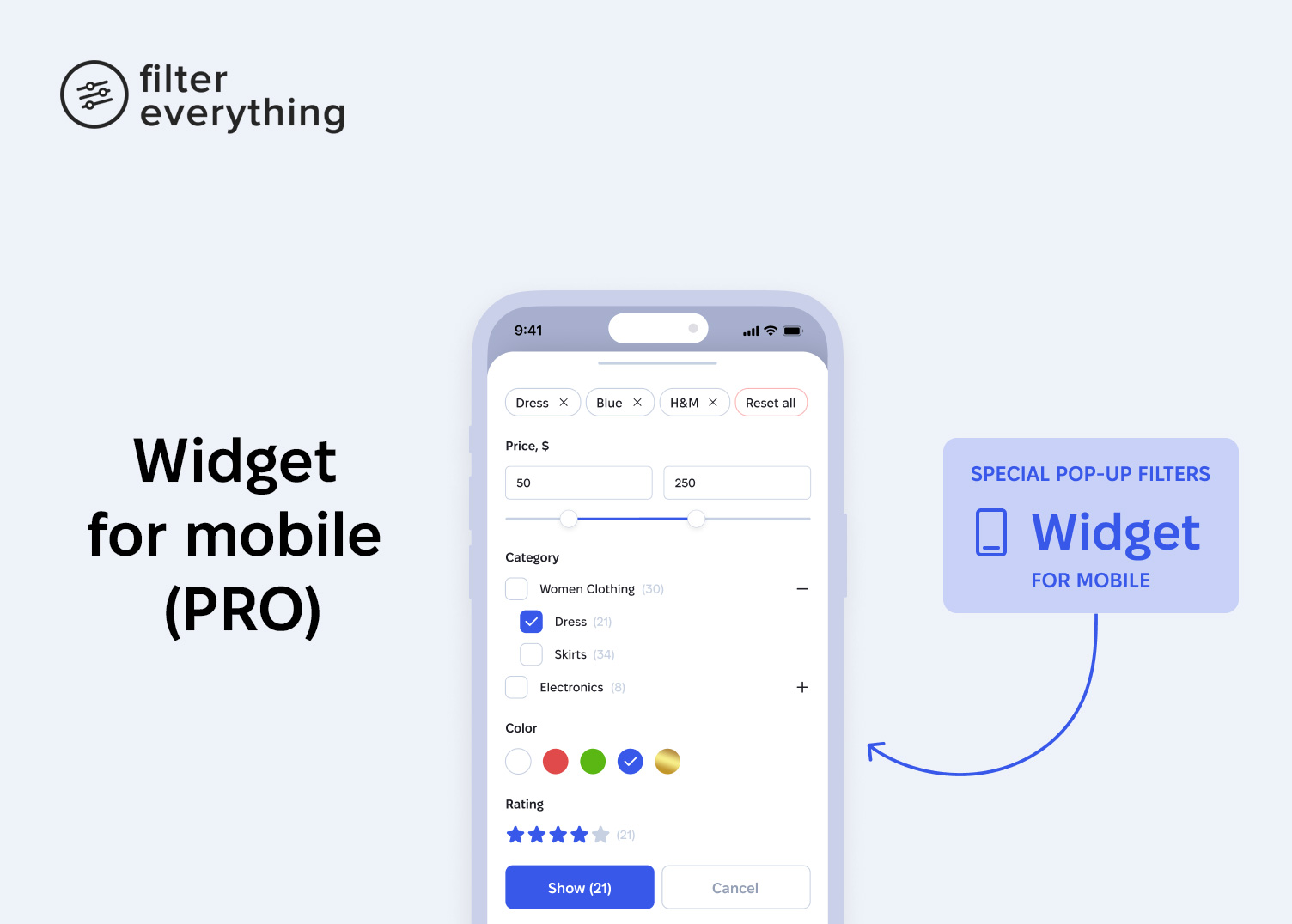
- User-friendly mobile filters widget
- Import and export of filters, SEO Rules, and settings
- Duplicate Filter Sets in one click
- Priority support
— And many other powerful features available in Filter Everything PRO.
Why use filters on your website?
Filters help visitors quickly find the content they need in just a few clicks, especially on websites that contain large amounts of content.
This improves navigation, reduces bounce rates, saves visitors’ time, and creates a better overall user experience. For high-traffic websites, efficient filtering can also help reduce server load.
Screenshots
Blocks
This plugin provides 4 blocks.
- Wpc Filter Everything Filter Button
- Wpc Filter Everything Sorting
- Wpc Filter Everything Filter
- Wpc Filter Everything Chips
Installation
Uploading via WordPress dashboard 1. From the WordPress dashboard visit Plugins > Add New > Upload Plugin 2. Choose plugin zip file and upload it 3. Install and Activate the plugin 4. After installation, you will find a new menu item “Filters” 5. Read the documentation to get started
Uploading via FTP 1. Download the Filter Everything plugin zip file 2. Extract zip file and upload “filter-everything” folder to the /wp-content/plugins/ directory 3. Activate the plugin through the “Plugins” menu in WordPress 4. After installation, you will find a new menu item “Filters” 5. Read the documentation to get started
FAQ
-
How do I get support?
-
You can try to find a solution to your problem in the plugin documentation or ask your question on the support forum. PRO version users can get more info about support here.
-
Bots and AI crawlers are hammering my filter URLs — what should I do?
-
Filter combinations produce a practically unlimited number of URLs, and once crawlers discover them they can keep requesting them for months. Since version 1.9.6 the plugin ships two protections in Settings General «Crawlers and bots»: «Disable filter links for crawlers» renders filter links as <span> instead of <a>, so bots stop discovering new filter URLs, and «Block filter URLs in robots.txt» adds Disallow rules for the filter URLs to your robots.txt, which is the only signal that also stops well-behaved crawlers (Google, Bing, most AI bots) from requesting URLs they already know. Both are enabled by default on new installations; on existing sites switch them on. Filtering result pages are noindex in the free version anyway, so neither option costs search visibility. Bots that ignore robots.txt can only be stopped at the server or CDN level — a firewall or rate-limiting rule (e.g. in Cloudflare) matching your filter URL parameters.
Reviews


Contributors & Developers
“Filter Everything — WordPress & WooCommerce Filters” is open source software. The following people have contributed to this plugin.
Contributors
“Filter Everything — WordPress & WooCommerce Filters” has been translated into 8 locales. Thank you to the translators for their contributions.
Translate “Filter Everything — WordPress & WooCommerce Filters” into your language.
Interested in development?
Browse the code, check out the SVN repository, or subscribe to the development log by RSS.
Changelog
1.9.6
1.9.5
Release Date – 5 August 2026
* Fix – Fixed the search box inside a filter returning no results when the filter’s terms are shown as color swatches or when filter links are hidden from search engine crawlers
* Fix – Fixed numeric range filters (e.g. price) keeping outdated minimum and maximum values for several hours after a product was edited: the cached filter data is now reset correctly on every product save
* Fix – Fixed hierarchical filters with the «See more» option rendering with all terms hidden until the plugin’s JavaScript runs: on sites where scripts are delayed or minified by page-speed plugins (e.g. WP Rocket) such filters could stay empty for logged-out visitors, while logged-in users saw them correctly
* Fix – Fixed the «Load More» button of the Elementor Loop Grid widget appending unfiltered products on a filtered page: the widget’s next-page address (?e-page-…) now keeps the applied filters, and the second and further pages no longer get a malformed address with two «?» characters
* Fix – Fixed all filters disappearing from the Shop page and other product archive pages after updating to WooCommerce 11.0: WooCommerce now reports the shop page itself instead of the products archive there, and the plugin no longer recognized the page as a filterable products list
1.9.4
Release Date – 20 July 2026
* Fix – Fixed a fatal error (“Cannot redeclare modify_specific_module()”) that broke the site front end right after plugin activation on Divi websites that use a Theme Builder header layout
1.9.3
Release Date – 14 July 2026
* Dev – NEW: Added native Filters, Chips and Sorting widgets for Beaver Builder, Bricks, Breakdance, Divi and the block editor (Gutenberg)
* Dev – NEW: Added the Results container option with a visual picker: choose exactly which part of the page AJAX refreshes — enter a CSS selector manually or click «Select visually» and simply click the posts area right on your site
* Dev – The minimum required PHP version is now 7.4
* Tweak – Filter Sets with a very large number of filters (100+) can now be saved reliably: the editing form submits only the fields that were actually changed, so the request no longer hits the server’s post_max_size limit
* Fix – Buttons inside the filtering area keep working after an AJAX results update (previously they could lose their click handlers when the content was refreshed)
* Fix – Fixed a fatal error “Call to a member function setExcludedTerms() on false” that could break pages with filters when a filter referenced a parent filter that no longer exists in the Filter Set or does not apply to its post type
1.9.2.2
Release Date – 15 June 2026
* Security – A security fix related to the Color swatches feature
1.9.2.1
Release Date – 02 June 2026
* Fix – Removed a code fragment that could trigger false positives in antivirus software
* Fix – Corrected inaccurate changelog entries about page builder widget support, Filter Set duplication, and Rating filter star icons
* Fix – Fixed fatal error on frontend caused by is_plugin_active() unavailability
* Fix – Fixed a duplicate loop for the Apply button in filters
* Fix – Fixed a bug with automatic page scrolling
* Fix – Fixed a bug with saving filter sets
* Tweak – Made the bundled translations in the plugin’s /lang folder take priority over the ones auto-downloaded by WordPress.org, since the bundled ones are 100% complete and curated
1.9.2
Release Date – 18 March 2026
* Dev – Added the ability to use filters on Singular pages and filter native WordPress queries, including the Main WP Query and posts displayed with Gutenberg
* Dev – Added Filter, Chips, and Sorting widgets for Elementor
* Dev – Added the ability to create date filters for both regular post dates and dates stored in custom fields, including fields created with ACF
* Dev – Added the ability to create a large number of filters in a Filter Set, such as 100 or more
* Dev – Added a ‘Horizontal view’ checkbox to Filter Sets
* Dev – Added functionality for automatic filter creation based on popular criteria
* Dev – Added improved styles for the Filters widget
* Tweak – Added the ability to reset values in numeric fields
* Tweak – Added an icon to the ‘Where to filter?’ field for quick preview of the page where the Filter Set works
* Tweak – Added suggestions for custom field filters, along with autocomplete while typing
* Tweak – Improved the Rating filter by adding better star icons and two usage modes
* Tweak – Moved the ‘Where to filter?’ and ‘What to filter?’ fields into a separate metabox called ‘Location’
* Tweak – Improved the Apply and Reset buttons in Apply Button mode. They are now floating for better usability
* Tweak – Improved the Filters widget on mobile option
* Fix – Fixed bugs
1.9.1
Release Date – 22 July 2025
* Dev – Added a new View ‘Rating’ for filters that displays rating stars
* Dev – Added iOS-style toggle switches instead of regular checkboxes in the plugin settings fields
* Dev – Added compatibility for the ‘Discount Rules for WooCommerce’ plugin to the Price range and the On sale filters
* Tweak – The “Collapse Filters Widget on Mobile devices” option has been improved
* Tweak – Added different borders to the fields of the Filter Widget depending on hover, focus, blur events
* Tweak – Added the FLRT_SET_TRANSIENT_ENABLED constant to disable transients
* Tweak – Added the preview link to the eye button for the new Filter Set
* Tweak – Increased a filter item height and added the “More options” button in dashboard
* Fix – Fixed a bug with the “+” symbol in filter terms and URLs
* Fix – Fixed a bug with the “?” character that remained in the URL after using the Range slider filter
* Fix – Fixed a bug with a PHP message that there is no array element with key ‘cols_count’ in FiltersWidget.php
* Fix – Fixed a bug and removed numeric values from the Range slider filter if a term is empty
* Fix – Fixed a bug in Query Loop Pagination
1.9.0
Release Date – 21 March 2025
* Dev – Added support for Woo Brands
* Tweak – Improved and fixed CSS styles for filters widget
* Tweak – Made floor(); and ceil(); for range values optional via apply_filters(); function
* Tweak – Added FLRT_DISABLE_CREDENTIALS constant to disable credentials link on filtered pages
* Fix – Fixed bug with a Filter Set that contains the only Search field
* Fix – Fixed bug with Fatal error /filter-everything/src/Admin/AdminHooks.php:144
1.8.9
Release Date – 21 January 2025
* Dev – Added ability to make Color swatches rounded
* Fix – Small CSS fixes for range slider, widget element margins.
* Fix – Fixed bug in JS code for the mobile widget button counter ((18)) issue
* Fix – Fixed bug with empty Parent filter label
* Fix – Fixed bug with Elementor pagination e.g. “e-page-5dabfd1=2”
1.8.8
Release Date – 07 November 2024
* Fix – Fixed bug with sorting method
* Tweak – Added attribute all=”true” for the [fe_posts_found] shortcode that counts all posts for all Filter Sets on a page
1.8.7
Release Date – 29 October 2024
* Tweak – Added hook ‘wpc_swatch_image_size’
* Fix – Fixed issues with Select2 dropdowns after WooCommerce update to the > 9.0.0
* Fix – Fixed style issues with the Avada theme
* Fix – Fixed compatibility with the Load more button/Infinite scroll in Elementor
* Fix – Fixed bug with sorting terms
1.8.6
Release Date – 18 July 2024
* Dev – Added ability to translate SEO Rules with Polylang
* Fix – Fixed compatibility issue with Polylang plugin
* Fix – Fixed the ability to rewrite functions wrapped with function_exists()
* Fix – Fixed small issue with terms order equal to the order in ACF field
* Fix – Fixed issue with text search through filtered posts and apostrophe character
* Tweak – Added hooks ‘wpc_taxonomy_location_terms’, ‘wpc_post_type_location_terms’, ‘wpc_author_location_terms’
1.8.5
Release Date – 15 May 2024
* Dev – Added “Labels for Chips” option to configure chip labels
* Dev – Added “Dropdown Label” option
* Tweak – The “Show in Chips” option was hidden due to lack of demand
* Tweak – Now default terms order in a Custom Field is the same as in ACF field
* Tweak – If ACF field terms have labels, they displays in the Filters widget instead of values
* Fix – Fixed issue with WPML and Homepage in different languages
1.8.4
Release Date – 08 April 2024
* Dev – Tested and improved compatibility with WordPress 6.5
* Fix – Fixed issue with Filter Set for a post page
* Fix – Fixed issue with preview products in draft status and PHP > 8.2
* Fix – Fixed JS error occurred on type in the Search field input
* Fix – Issue with incorrect attribute ‘for’ in the Filters Widget title label
1.8.3
Release Date – 14 February 2024
* Dev – Increased plugin performance and made faster it up to 10 times
* Fix – Added compatibility with PHP > 8.1, removed FILTER_SANITIZE_STRING error
* Fix – Fixed bug with Date view available by default in a filter
* Fix – Fixed the issue with products with empty ‘_sale_price’ meta values and wrong On sale counters
* Fix – Fixed issue with a parent filter, when current WordPress term archive page is selected term in the parent filter
* Fix – Fixed bug when the only Search Field presents in a Filter Set
* Fix – Fixed issues with Polylang plugin when language functions are not defined
* Fix – Fixed issue with double click on the Apply Button after using the Search Field
* Fix – Set correct permissions for the /assets dir
* Tweak – Added hook ‘wpc_plugin_user_caps’ to allow to modify user roles that can use the plugin
* Tweak – Made AJAX loading circle thinner
1.8.2
Release Date – 10 January 2024
* Fix – Fixed issue with GET-style parameters in filter URLs after 1.8.0 update
1.8.1
Release Date – 10 January 2024
* Fix – Fixed warning message on the login screen
* Fix – Fixed issue with resetting filters cache
1.8.0
Release Date – 08 January 2024
* Dev – Added new filter type by Post Date
* Tweak – Made Numeric Range filters collapsible
* Fix – Renamed ‘wpc_clean’ function to ‘flrt_clean’ to avoid conflicts